


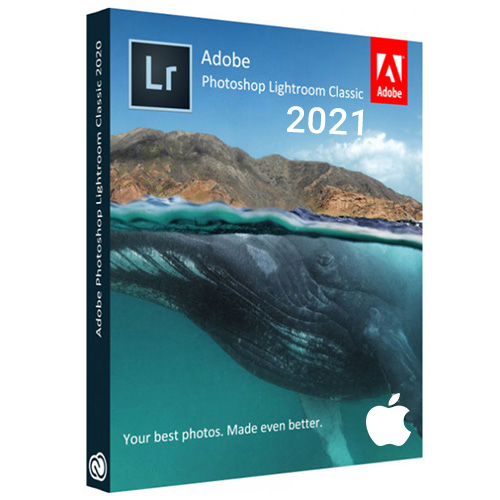


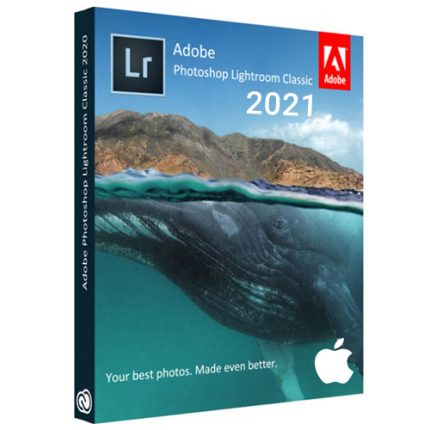
Adobe Lightroom Classic CC 2021 v10 Full Version for MacOS
R700,00
Adobe Lightroom Classic CC 2021 v10 Full Version for MacOS
With Adobe Photoshop Lightroom Classic CC you can import, manage and edit your photo collection on the PC. With a variety of tools, you can adjust parameters such as sharpness, brightness, color and contrast. The program offers effect presets and color presets, which give your snapshot a vignette look, for example, with a click.
Under the item “Map”, images that contain location tags are automatically assigned or you assign a location to them afterwards, so that you can adjust a holiday route if desired. The preview function gives you an up-to-date view of the result at any time. “Adobe Photoshop Lightroom Classic CC” is the desktop variant of the cloud-based Adobe Photoshop Lightroom CC.
Adobe Lightroom Classic CC 2021 for MacOS Key Features :
- Automatically organize photos using Smart Collections
- Automatically import and process high-volume shoots
- Manage photos and volumes even when they’re offline
- Access and edit a comprehensive set of metadata fields
- Create virtual copies of photos to save hard-disk space
- Target specific areas of a photo for dodging and burning
- Enjoy state-of-the-art 64-bit memory handling
- Precisely convert color to black and white
- Retrace your editing steps to return to any version of a photo
- Easily transfer images to popular photo-sharing sites
- Create web galleries with no coding required
- Sharpen photos when you output to print or the web
- Stamp your photos with metadata on output
Product Details & Requirements :
- Full Version Software
- Lifetime Use Software
- Unlimited Installation
- Multicore Intel processor with 64-bit support
- min macOS v10.14 (High Sierra)
- 4 GB of RAM (12 GB recommended)
- 1024 x 768 display
- 2 GB of available hard-disk space
- Download File Size : 1.5GB
Only logged in customers who have purchased this product may leave a review.


Adobe Acrobat Pro DC Full Version for Windows
Original price was: R700,00.R300,00Current price is: R300,00.


Related products



Adobe Photoshop (PC)
Explore Photoshop features
🖌️✨ Make selections with a brushstroke
Use the Selection Brush tool to paint in selections, then apply edits and fills or filters. Plus, you can use opacity and hardness controls to blend edits seamlessly.
🎨✏️ Use a brush to apply selective edits
Grab the new Adjustment Brush Tool when you want to change just one part of an image. Paint on adjustments to brightness, saturation, exposure, and more.
🤖🖼️ Edit images with generative AI
Make complex edits in a flash with the most advanced Generative Fill yet. Plus, use Reference Image to create with more control. Upload a sample image to inform the content of your generated result.
✍️🖼️ Create with Text to Image
Ideate and create new assets using Text to Image, now out of beta. Zip through dozens of ideas in minutes and combine multiple images into something new.
✂️📐 Crop an image
Select part of an image with the Crop tool and remove everything outside the selected area, or pair it with Generative Expand to extend the image.
🖼️➕🖼️ Combine images
Create a composite of two or more images by placing them on their own independent, transparent layers.


Reviews
There are no reviews yet.