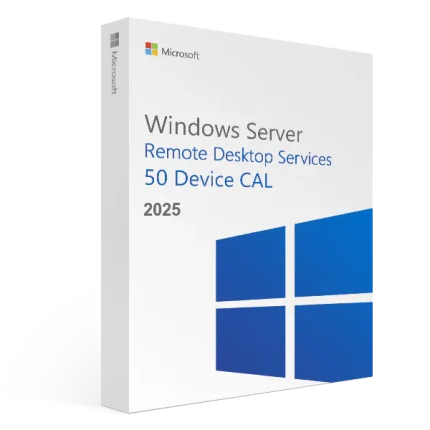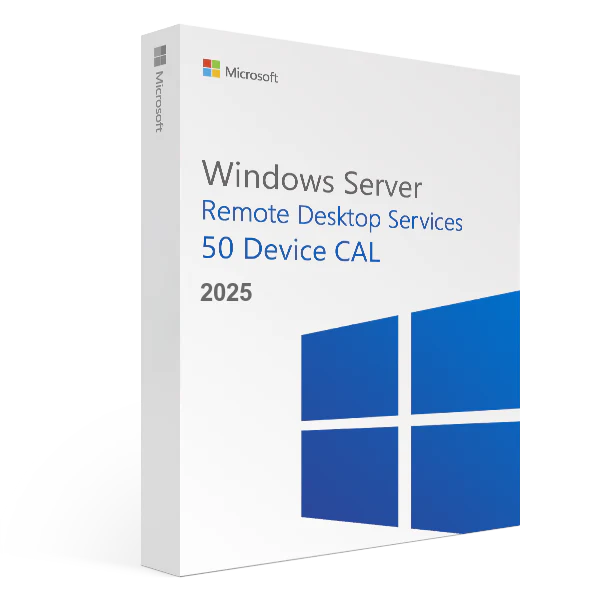
Microsoft Windows Server 2025 Remote Desktop Services 50 Device CAL – Product Key
R700,00
Size and packaging guidelines
| Specification | Chair | Armchair | Sofas |
| Height | 37" | 42" | 42" |
| Width | 26.5" | 32.5" | 142" |
| Depth | 19.5" | 22.5" | 24.5" |
| Assembly Required | No | No | Yes |
| Packaging Type | Box | Box | Box |
| Package Weight | 55 lbs. | 64 lbs. | 180 lbs. |
| Packaging Dimensions | 27" x 26" x 39" | 45" x 35" x 24" | 46" x 142" x 25" |
Category: Microsoft
Description
Our ESD digital licenses are 100% original and are delivered digitally via e-mail within minutes of receiving payment. In particular, the Product Key provided to activate Microsoft Windows Server 2025 – Device Cals – 50 devices has no expiry date, and can be reinstalled on the same device used for the first activation. With the purchase of this product you will receive the Product Key for activating the software and all the instructions for correct installation.
Microsoft Windows Server 2025 Remote Desktop Services CAL 50 devices is part of the flexible licensing system for Windows Server 2025. It will offer customers the opportunity to take advantage of fantastic enhancements that make it the optimal version of RDS, to date, with several areas of innovation to improve customer administration and experiences.
What are Remote Desktop Services?
RDS stands for “Remote Desktop Services” and refers to the functionality that allows users to work with graphical desktops and Windows applications via remote access. Desktop networks can be centrally managed using the appropriate Client Access Licenses (CALs). Additionally, all potential existing Windows Server 2019 Core licenses can be used in conjunction with 2025 device licenses. This gives a company’s IT department more time to upgrade to the latest version of the server operating system. The “Quick Updates” feature will also help you save time installing updates in the future.
Reviews (0)
Only logged in customers who have purchased this product may leave a review.
About brand
Adobe Acrobat Pro DC Full Version for Windows
Shipping and Delivery
MAECENAS IACULIS
Vestibulum curae torquent diam diam commodo parturient penatibus nunc dui adipiscing convallis bulum parturient suspendisse parturient a.Parturient in parturient scelerisque nibh lectus quam a natoque adipiscing a vestibulum hendrerit et pharetra fames nunc natoque dui.
ADIPISCING CONVALLIS BULUM
- Vestibulum penatibus nunc dui adipiscing convallis bulum parturient suspendisse.
- Abitur parturient praesent lectus quam a natoque adipiscing a vestibulum hendre.
- Diam parturient dictumst parturient scelerisque nibh lectus.
Scelerisque adipiscing bibendum sem vestibulum et in a a a purus lectus faucibus lobortis tincidunt purus lectus nisl class eros.Condimentum a et ullamcorper dictumst mus et tristique elementum nam inceptos hac parturient scelerisque vestibulum amet elit ut volutpat.
Related products
Office 2016 Professional Plus Activation Key – 5 PC
R1 000,00
Office 2021 Professional Plus
R600,00
Office 2021 Professional License Key
Microsoft Office 2021 Pro Plus is one of the Microsoft products announced alongside Windows 11 . Office 2021, where Office 2019 Pro is modernized and tools are easier to use, includes classic applications for business (Word, Excel, Powerpoint, Outlook, Publisher, Access).
Differences Between Office 2021 and Microsoft 365
You buy Office 2021 Pro Plus version for one time to use classic Office applications on your computer. If you do not need other services offered with a Microsoft 365 subscription , Office 2021 will be the right choice. Although Office 2021 will always receive updates, a free upgrade to a new version that will be released in the coming years cannot be provided.
To use Office 2021, at least Windows 10 operating system is required. Office 2021 Pro Plus will not work on Windows 8.1, Windows 8 and lower .
For stable operation of Office 2021 Pro, DirectX 10 graphics card, at least 2 GB RAM and 2-core processor are required. In addition, it is important to have an internet access so that you can receive updates. You need internet access to install and activate Office 2021 Pro. But after you fully install all Office applications on your computer, internet access is not required.
After purchasing Office 2021 Pro Plus, you can download the product by going to the official Office site and entering your license code.
Key benefits
All the apps that will meet your basic needs. Office Professional 2021; Intended for emerging small businesses that want classic Office applications in addition to Outlook, Publisher, and Access. Here is a 1-time purchase that is installed on PC for use.
One-time purchase
Install on a PC
Visual Studio 2019 Enterprise Activation Key – (PC)
R1 000,00
Windows Server 2016 Remote Desktop Services – 50 User CALs Certificate
R1 000,00
Windows Server 2019 Remote Desktop Services – 50 Device CALs Certificate
R1 000,00
Windows Server 2025 Datacenter Activation key
R1 000,00
Windows Server 2025 Remote Desktop Services – 50 Device CALs Certificate
R1 000,00
Windows Server 2025 Remote Desktop Services – 50 User CALs Certificate
R1 000,00


Reviews
There are no reviews yet.